
Three things Mailcomm does for you

How it works
-

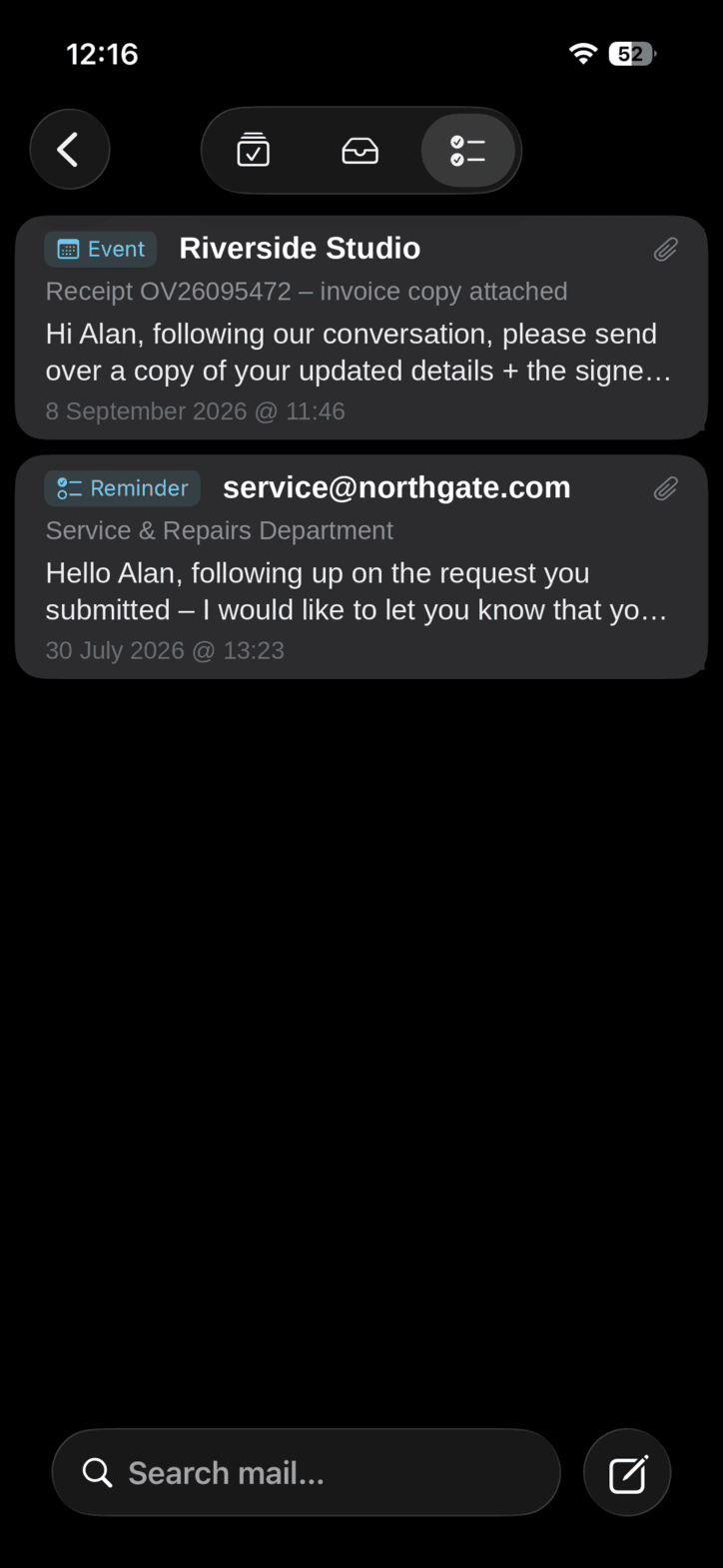
Own your inbox
Mailcomm turns every conversation into a decision you've already made. Inbox zero isn't the goal — it's what's left when the work is out.
-
Ninja email
Your assistant for everything email. Fast, quiet, a step ahead.
-

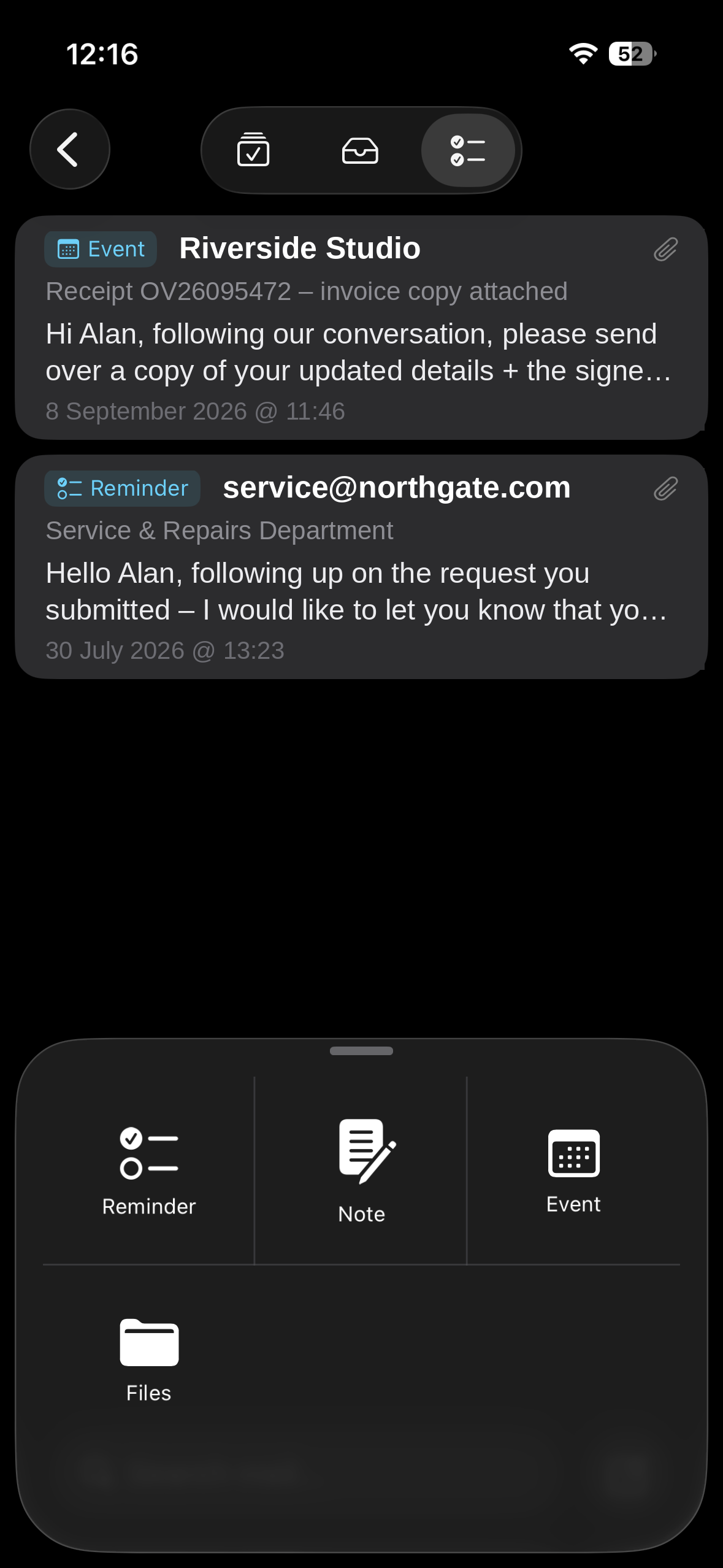
Two is better than one
Mailcomm suggests. You decide. Nothing moves without you.
-

Imagine ending the day at zero
A quiet inbox and the small, real satisfaction of a managed one. That feeling is the whole point — and it's closer than it looks.
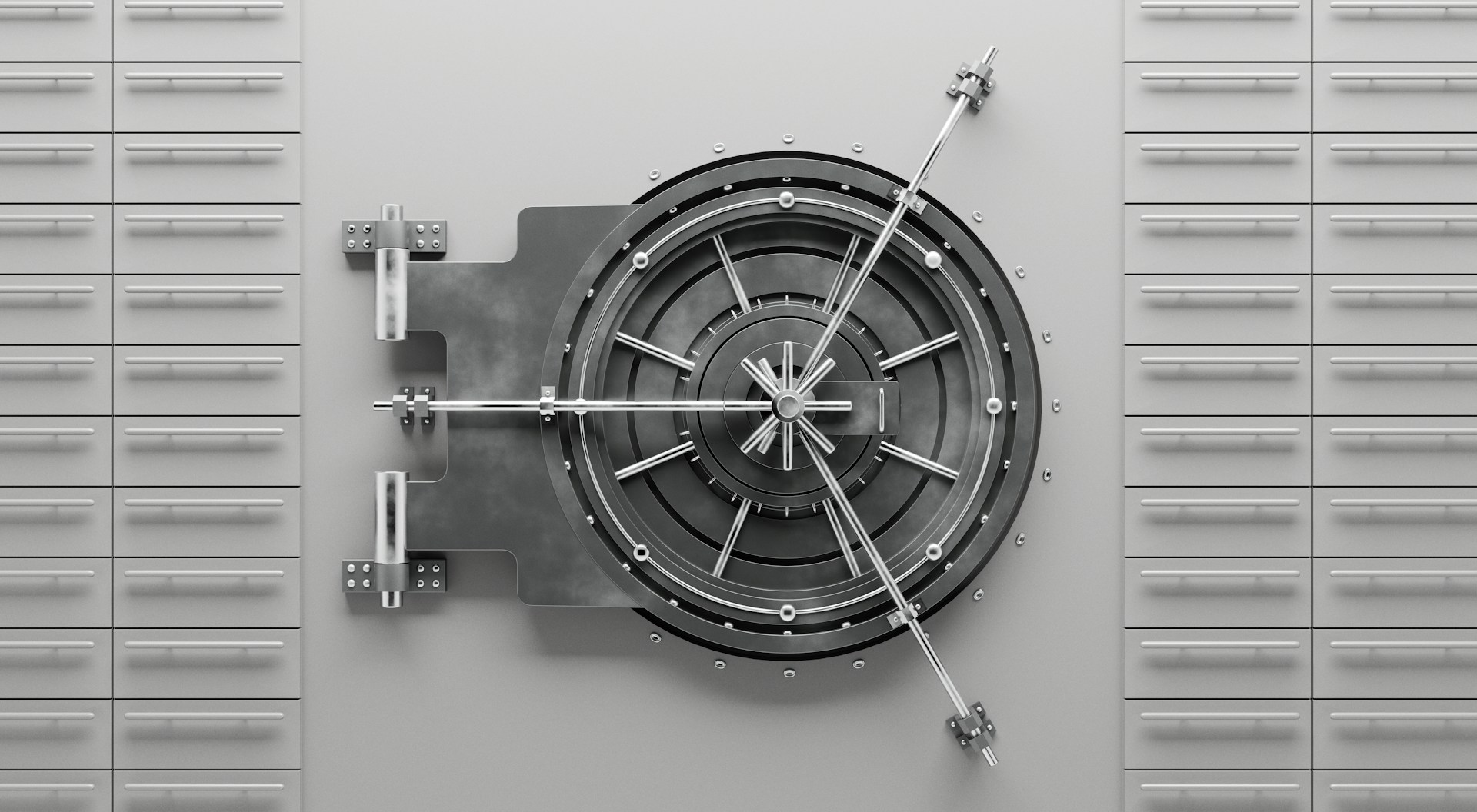
Built for privacy.
Your data remains on your device. We never sell it, never share it, and protect it with industry-standard security. The only thing we collect is anonymous analytics, so the app gets better.
Questions
What is Mailcomm?
An email client built around finishing mail rather than reading it. You decide what a conversation is — something to do, something to keep, something to lose — and Mailcomm takes it from there. The empty inbox is a side effect, not the work.
Which email providers does Mailcomm work with?
Gmail and Outlook. You connect the account you already use, and Mailcomm works with the mail that is in it. Nothing to migrate, no new address, no forwarding.
What does Managed mean?
Managed is the point of Mailcomm. An email stops being an email and becomes a real item in the app where you actually work: Every conversation you act on becomes something in another app; this is where Mailcomm keeps the record of which conversation became what, and where it went. Your inbox holds what you have not decided. Managed holds everything you have.
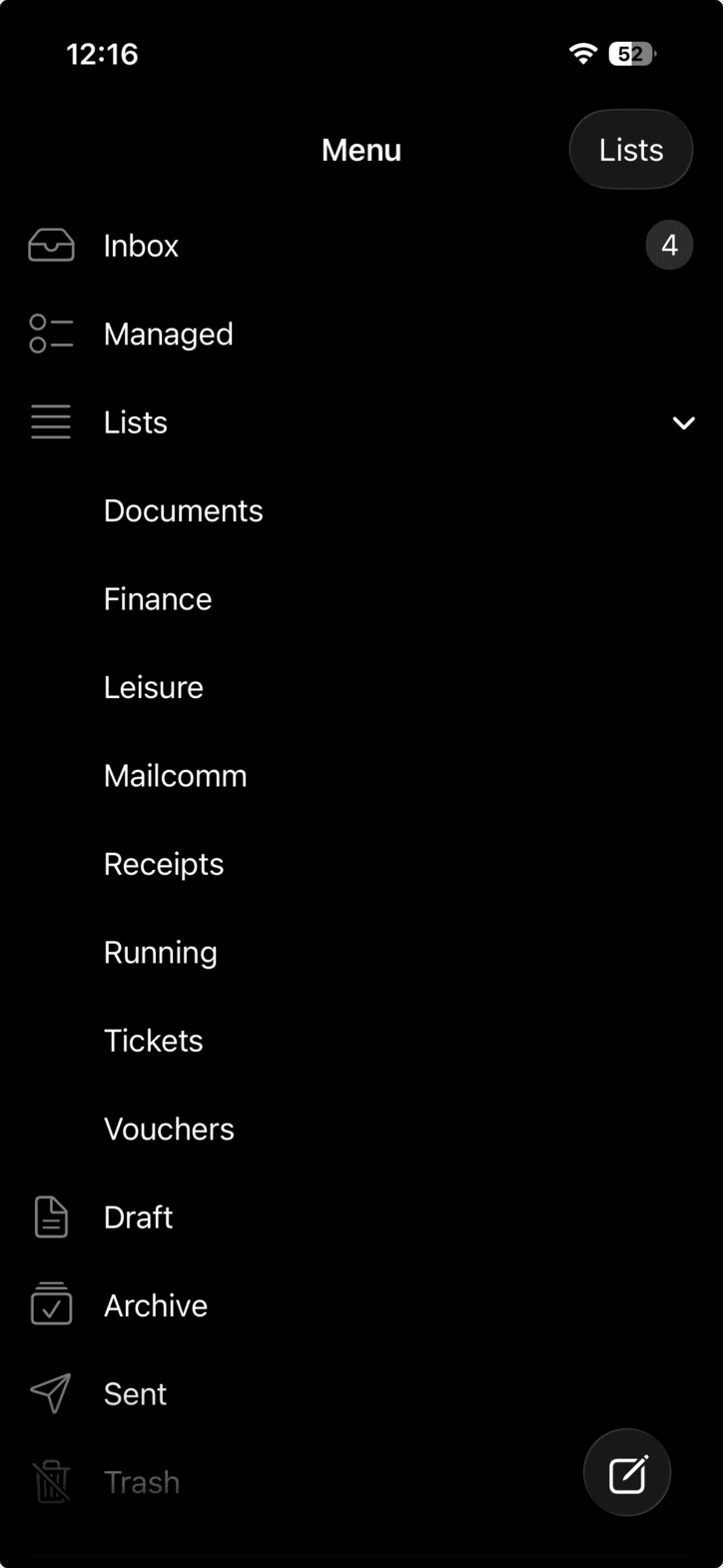
What are Lists?
Your own folders, for mail you want to keep but do not need to do anything about: Receipts, Travel, To Read. Swipe an email into one
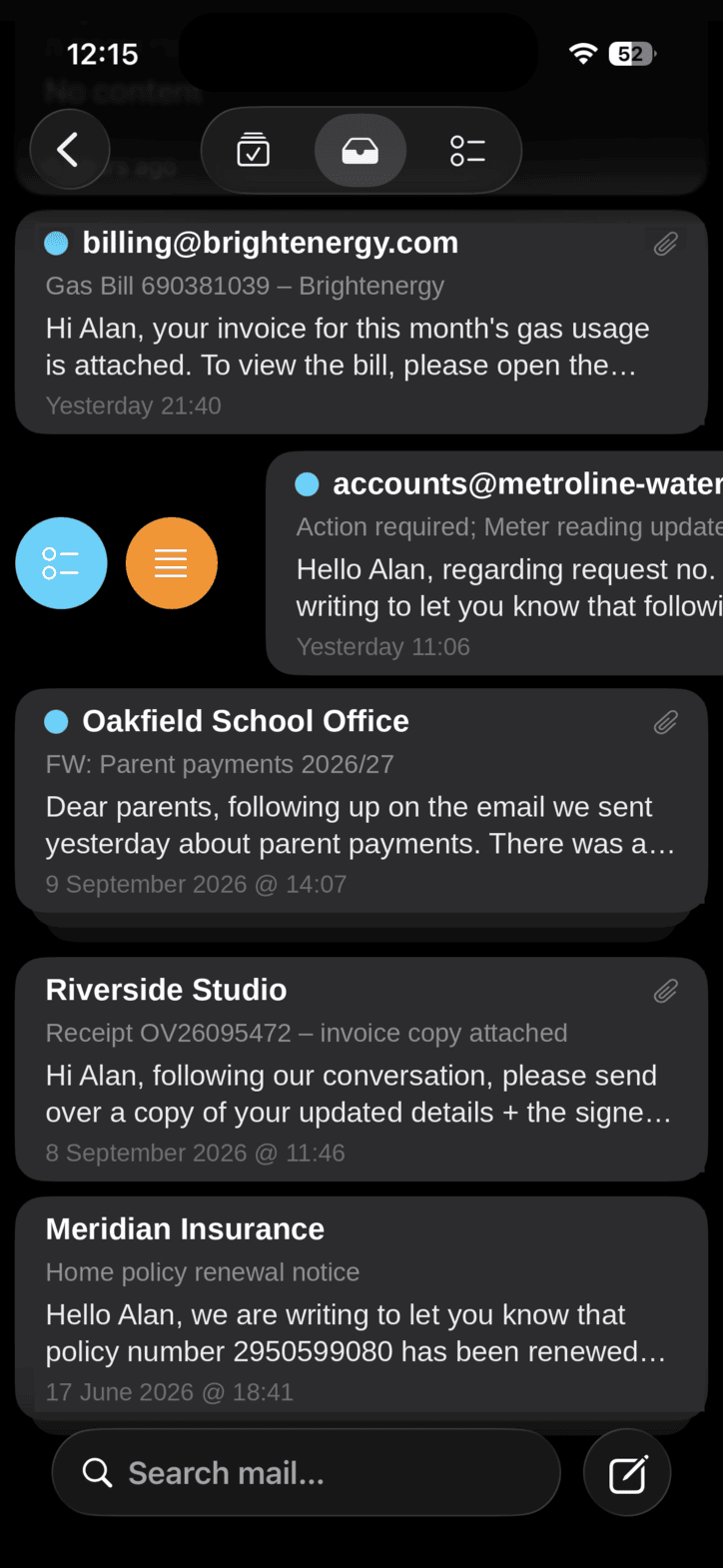
Can I deal with an email without opening it?
Yes. Swipe a thread in the list to archive it, mark it read or unread, move it to a List, or hand it to Managed. It is the main gesture in the app, and most mail never needs opening at all.
Does Mailcomm collect my data?
Nothing at all No. Mailcomm does not collect, log or store your personal information, there is no registration and there is no Mailcomm account. Your mail stays with Gmail or Outlook and on your device (product analytics only). The full detail is in the Privacy Policy, linked in the footer of this page.
Can I download Mailcomm today?
Not yet. Mailcomm is not on the App Store. Join the waitlist and you will get exactly one email on the day it is.
What will it cost?
1st version, and it's updates will be free
Does my mail get sent to a server for the AI to read?
No AI server being used. All AI activity is on device only, user's privacy is at the back of Mailcomm's "mind"